USD
USD EUR
EUR GBP
GBP CAD
CAD AUD
AUD HKD
HKD JPY
JPY KRW
KRW SGD
SGD NZD
NZD THB
THB TWD
TWD 繁體中文
繁體中文 日本語
日本語 한국어
한국어 ไทย
ไทย Français
 Español
 Deutsch
 Português
 italiano
 Nederlands
 English


By UnblockTechTVBox | 20 June 2015 | 0 Comments
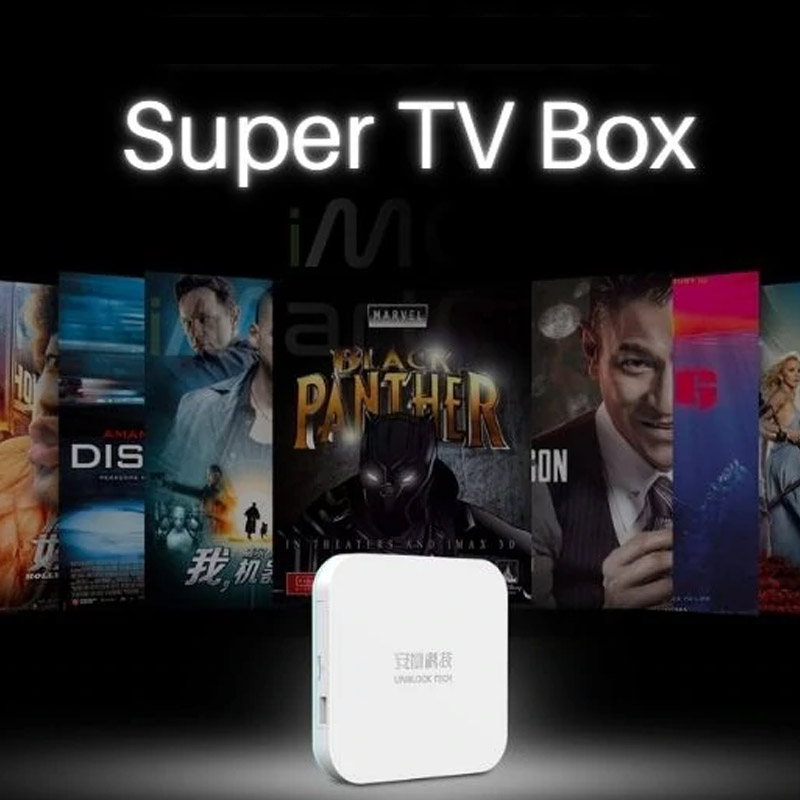
How To Reset UBOX Gen 2?
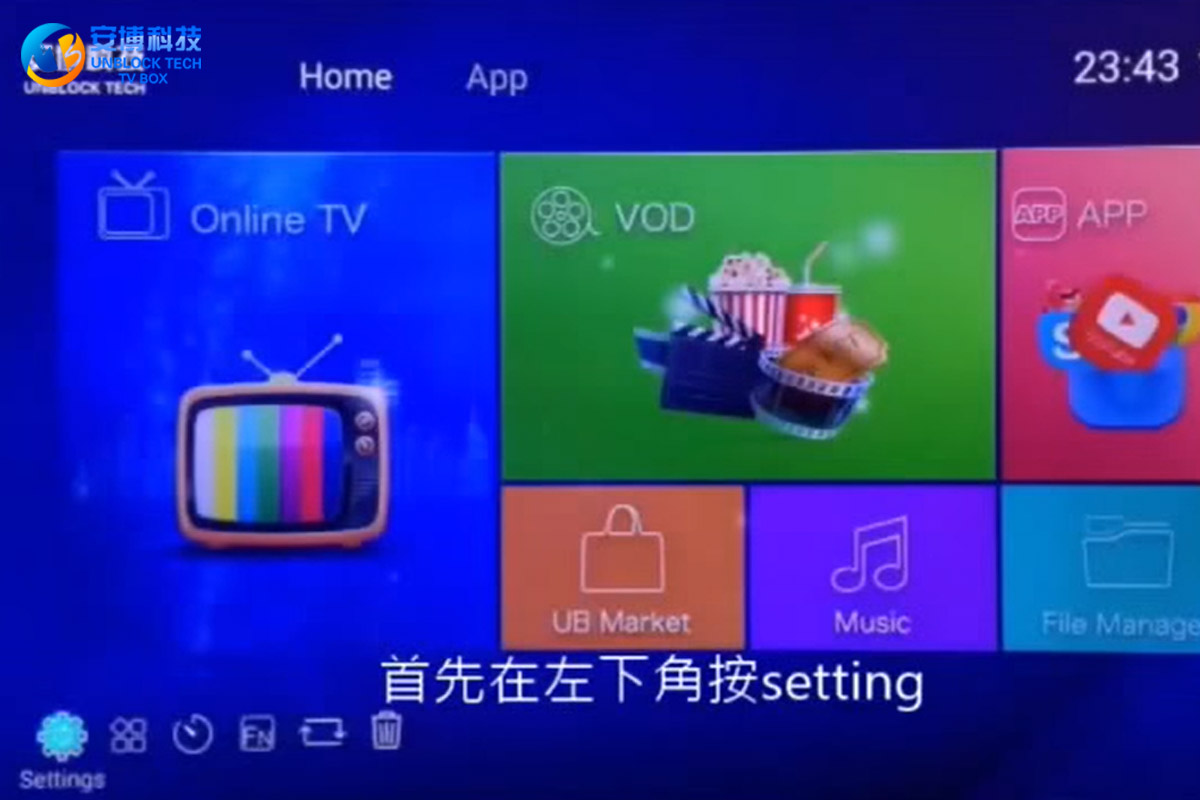
So how can I reset UBOX Gen 2 to factory settings? First, press "setting" in the lower-left corner, enter the menu, and play the drop-down, find the "Backup & reset" option, click on it, find the "Factory data reset" on the left, and click this option. Select "Reset MediaBox" below and press "Erase everything" again. After that, your UBOX 2 will start to factory reset.
20June
POPULAR BLOG
- Unblock Tech UBox 12 Pro Early Black Friday Deals 2026!
- How to Use Mobile APP on UBOX12 Pro: A Complete Mobile TV Streaming Guide!
- How to Choose an Android TV Box in the US and Canada?
- Smart TV vs. Android TV Box: Which Is Better for Your Home Entertainment?
- UBOX12 vs UBOX12 Pro: How to Identify the Latest Official UBOX12 Model?
ARCHIVES