 USD
USD EUR
EUR GBP
GBP CAD
CAD AUD
AUD HKD
HKD JPY
JPY KRW
KRW SGD
SGD NZD
NZD THB
THB TWD
TWD 繁體中文
繁體中文 日本語
日本語 한국어
한국어 ไทย
ไทย Français
 Español
 Deutsch
 Português
 italiano
 Nederlands
 English



By UnblockTechTVBox | 06 June 2021 | 0 Comments
How to reset wireless mouse and Bluetooth remote control on Unblock Ubox 8 TV Box?
1. How to reset the wireless mouse for Unblock Ubox 8 TV Box?
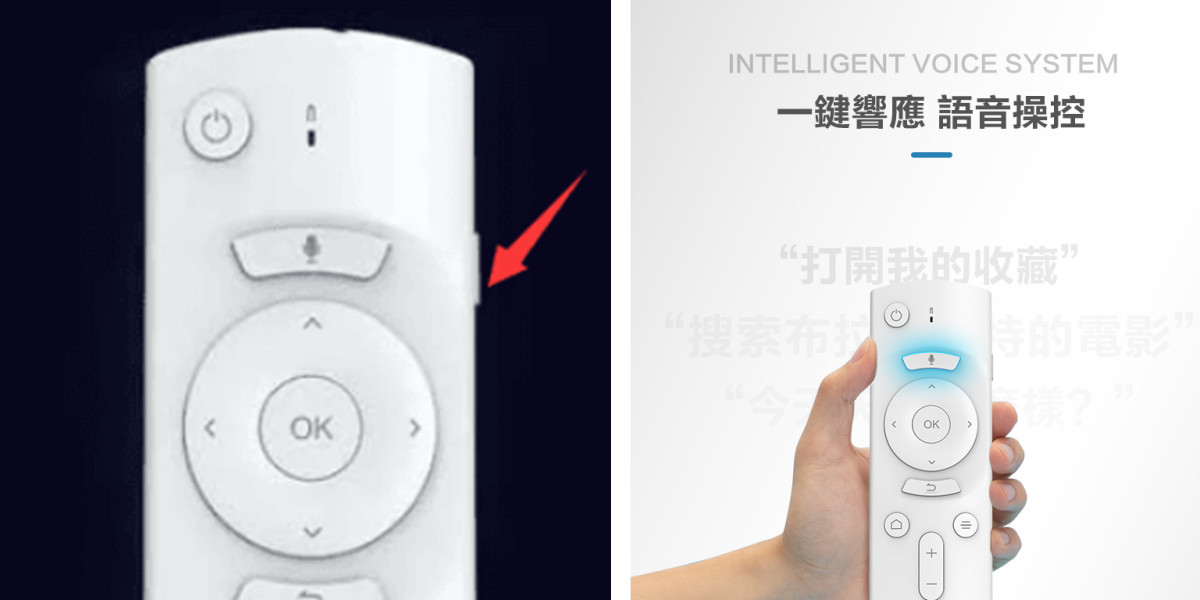
Press once to exit mouse mode, press again to enter mouse mode.
If the remote control of the eighth generation of Unblock Ubox8 box is not sensitive, you can try to initialize and reset the mouse.
2. How to reset the Bluetooth remote control for Unblock Ubox 8 TV Box?
Long press the menu button and OK button on the remote control, about 10 seconds, there will be a long flash, which is clearing the data.
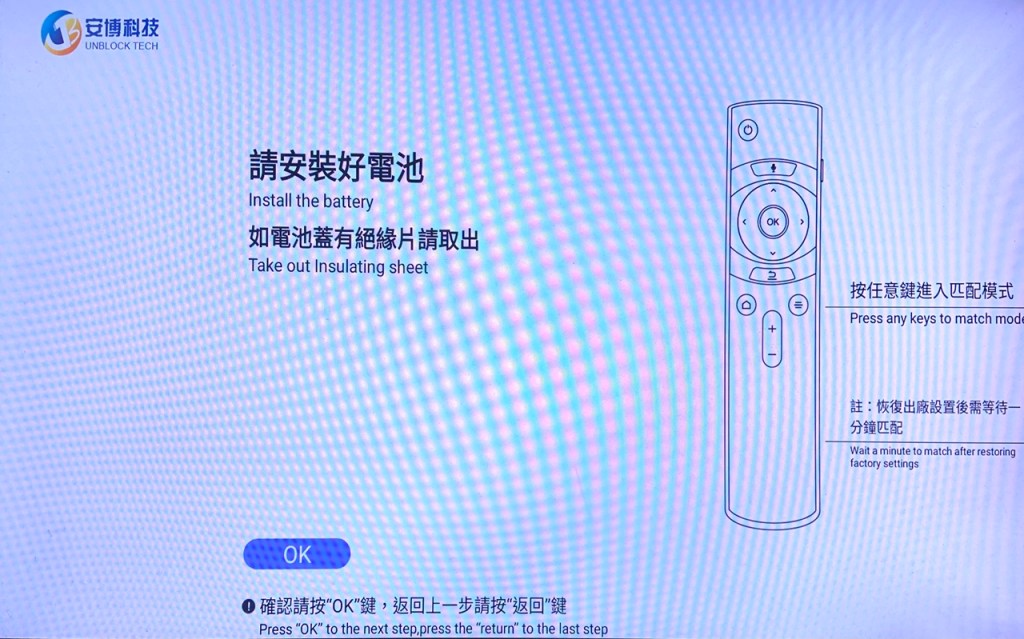
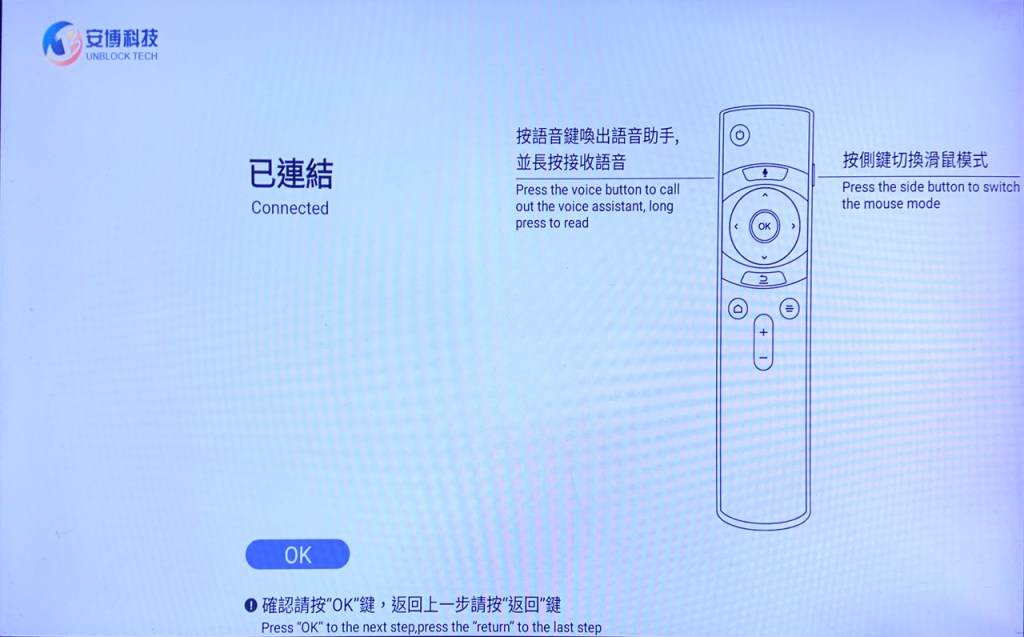
(1). For the first match, be careful not to match multiple boxes and remote controls at the same time, which will cause interference
(2). If the pairing fails, clear the data (long-press the menu button on the remote control plus the OK button, the long flash is in the process of clearing the data)
(3). If shows that "connected" cannot be operated, you can restart the box and try it again.
POPULAR BLOG
- The Ultimate Cord-Cutter's Guide: A Deep Dive Review of the UnBlockTech UBOX12 PRO
- UnBlockTech UBOX 12 Review 2026: A Deep Dive Into the Global Android TV Box!
- Unblock Tech Download Website Update 2026 - Latest UBOX App Download Guide!
- Unblock Tech UBOX 12 Review (2026): Features, Setup, Channels, and Everything You Need to Know!
- How to Watch World Cup 2026 in the US Without Cable: Streaming Options and Channel Guide 2026!
ARCHIVES



